Tracking location and GPS coordinates in Obsidian
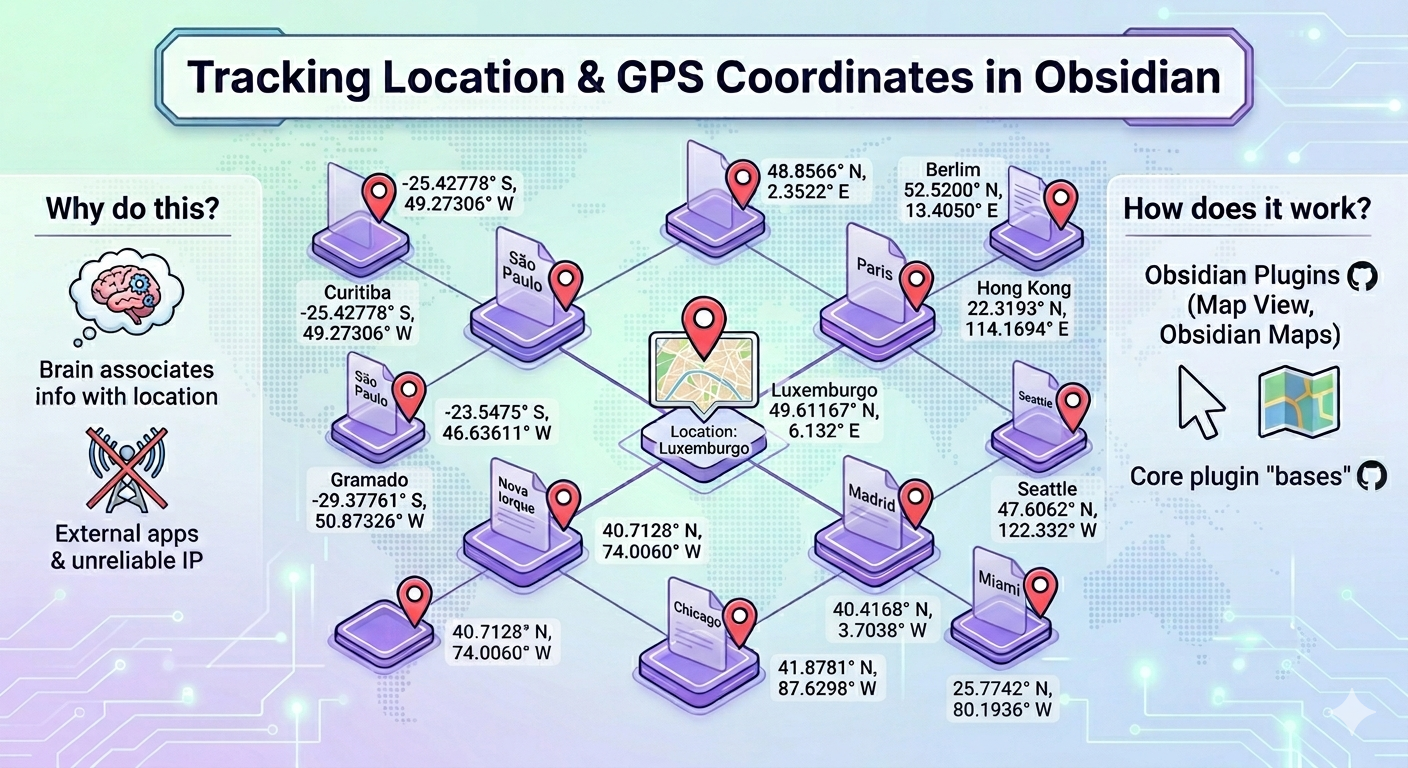
Imagem gerada por IA.
One piece of context I always want in my notes is the GPS coordinates of the event / fact or from where I'm writing my note. It is one of the properties my brain tipically associates with the information I search for or that I have in front of me.
In the past, external apps were required for that. Another option was using my IP address to obtain my location, but this depends on carriers and is unreliable. I wanted a better experience for that.
Nowadays, since Obsidian implemented the possibility to use the GPS location, this can be done with code directly in it. I use a community plugin (map view · GitHub) that has that code and the automated triggers to always fill in a property (check Understanding metadata and properties for information about properties) in my notes.
That plugin implements a visualization map and can be used with the bases core plugin.
The Obsidian team has also released another plugin that builds on top of the bases: obsidian maps · GitHub. It doesn't autofill the GPS coordinates, but provides a better map view.
GPS autofill aside, both plugins cover the same ground so you can pick the one that suits you better or even both of them.